How NIGHTY works
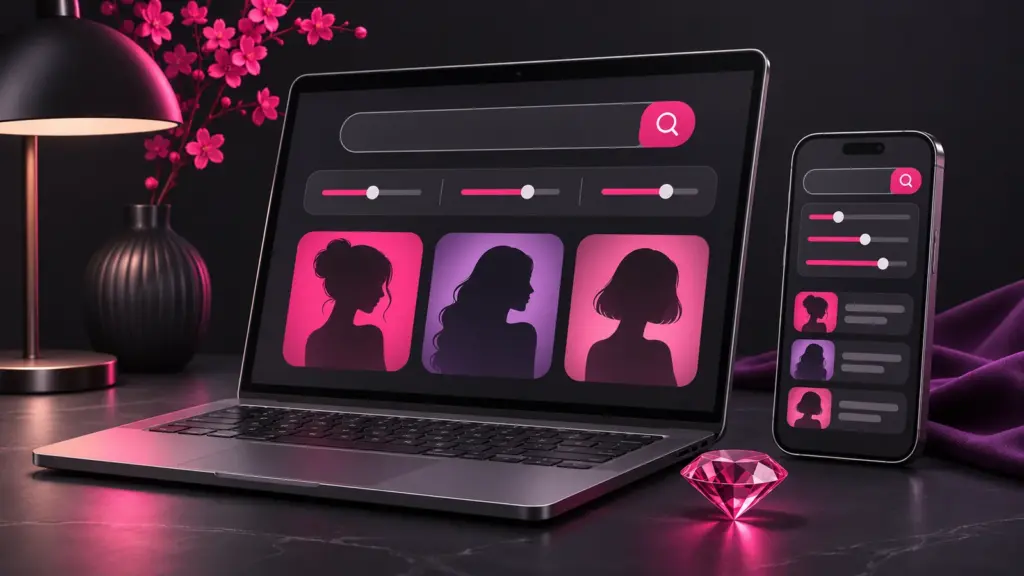
NIGHTY is a platform for adults with personal profiles, clubs, businesses and online creators. This guide explains how to search the directory, create a profile and prepare it for publication.
Profile owners publish their own information about offers, availability and contacts. NIGHTY helps people find these profiles; it does not provide the services or take part in agreements between visitors and providers.
Finding a profile by city and category
Start in the profile directory. Select a location, category and any other available filters. Open a profile in the results and compare its description, photos, stated availability and contact options.
For a business, go to Clubs and businesses. Digital content is listed under Online creators. Always confirm current details directly with the profile owner.
The profile availability guide explains working statuses and displayed times.
Free registration: what to do after creating an account
Basic registration and profile creation are free. Choose a personal or business profile in the registration form. For a personal profile, select online content, in-person services or a combination of both.
- Fill in your basic details and confirm your email. Use a mailbox you can access.
- Open My profile and complete the details. Add a clear name, description, correct category, city and region. Enter information used by search filters in the profile editor.
- Add photos and contact options. Before saving, check which information will be public.
- Save an unfinished profile as a draft. Once it is ready, submit it for approval following the editor's instructions.
Email confirmation is not profile approval. An administrator publishes a new profile after reviewing it. Manual verification is a separate step; publication alone does not mean that all details or the person's identity have been verified.
Business and personal profiles are different
A business profile represents a club, salon or other establishment. A personal profile represents a particular person. To display a personal profile under a business, use the linking request in your account and follow the instructions. The other party must confirm the request; linking does not replace approval of a new profile.
Online creators and video links
Online creators present their work on NIGHTY and link to external platforms such as OnlyFans, Fansly or HeroHero. A link or its preview takes you to that platform. Any purchase of content or a subscription, and access to it, are handled there.
Online content and in-person services in one profile
If you offer both, choose a combined profile. Clearly distinguish online and in-person offers in the description. Visitors can then see whether to open an external link or contact you about a particular offer.
Photo gallery, Stories and external videos
The photo gallery introduces the profile. Stories are current posts that remain visible until you remove or replace them. For online creators, video links lead to an external platform; NIGHTY does not operate a paid video library.
Only upload content you are entitled to publish. Check photo backgrounds too: they should not accidentally reveal identity documents, your home address or someone else's personal information.
Privacy and rules of use
NIGHTY is for people over 18 only. A public profile may show your name or nickname, location, photos and the contact details you choose to provide. Do not publish information you want to keep private.
Before publishing, read the terms for profiles and advertisers, content rules and privacy information. Use the website's reporting options for suspicious or inappropriate content.
Frequently asked questions
Is creating a profile free?
Yes, basic registration and a profile are free. Any paid highlighting has its own offer and terms, which you should check before ordering.
Why can I not see my new profile in the directory yet?
It may be saved as a private draft or awaiting approval. Check its status under My profile. Confirming your email does not publish the profile.
What if my profile is not finished?
Save your work as a draft and return to complete it in your account. Only submit a finished profile for approval.
Where can I get help?
Find more answers in the FAQ and on the Support page. Call +420 720 388 917 or message via WhatsApp. Support is available daily from 10:00 to 18:00 Czech time.
Getting started on NIGHTY
Want to explore the listings first? Open the profile directory. To introduce yourself or your business, go to create an account.